A mobile learning app for teams who are not at a desk
Technicians, drivers, nurses and retail staff rarely sit at a computer. The Valamis mobile app gives them the same courses, assignments and records as everyone else, on the phone they already carry, with or without a signal.
Key capabilities

On your own schedule
Learn at your own pace, on a phone or tablet, without booking time at a desk

Included, not an add-on
The mobile app comes with the platform. No separate licence, no per-user surcharge

Push notifications
Reminders for due training and certification deadlines, on the device people already carry

White labeling
Your logo, colors and app name, so partners and customers see your brand throughout

Content partners
Courses from GoodHabitz, Go1, iHasco and iAM Learning, available in the app

Pick up where you left off
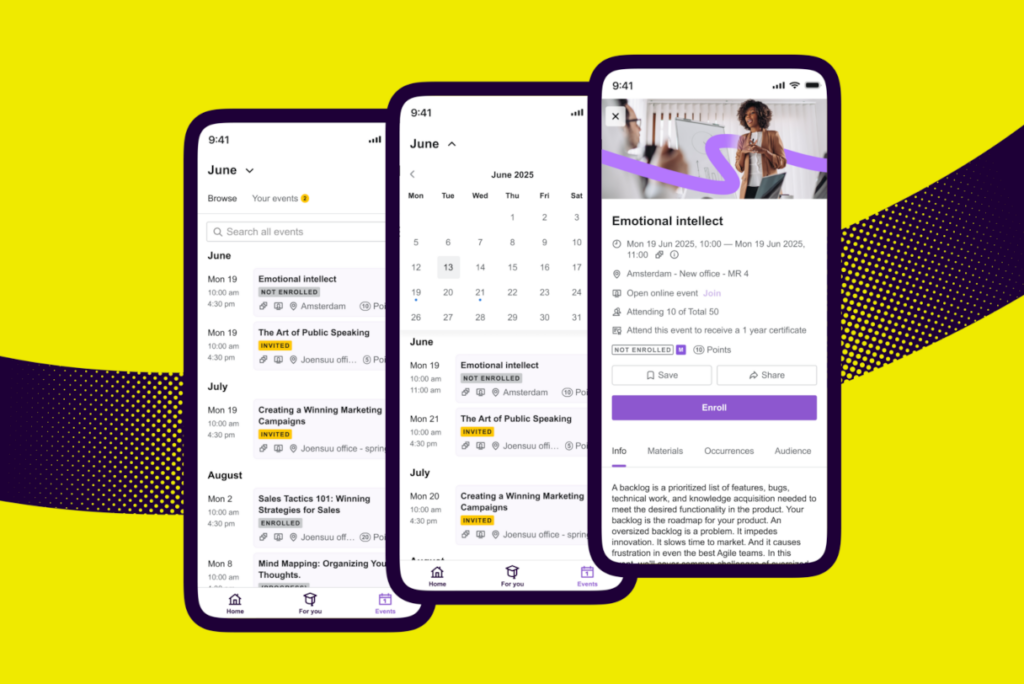
Continue a learning path started on desktop, register for events, join discussions

Video, quizzes and gamification
The same content formats as desktop, including SCORM and xAPI courses

Works offline
Download over Wi-Fi, complete without a signal, and progress syncs when the device reconnects
Learning that’s made for modern life
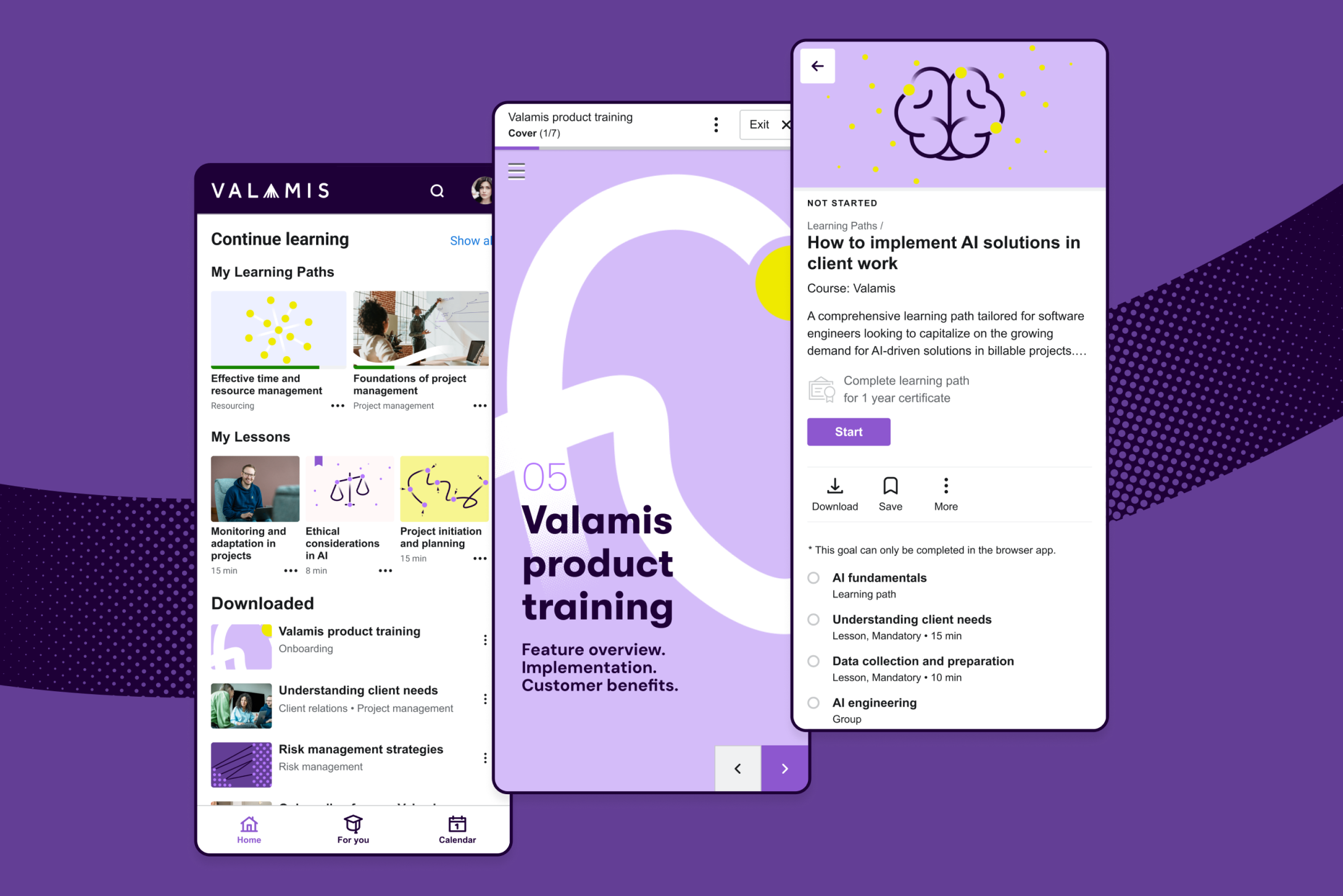
Start on desktop, finish on a phone
A learning path started at a desk continues on the device in someone’s pocket, at the same point they left it. Useful when the people you are training spend their day on a site, in a vehicle or on a ward rather than at a screen.
Learning events management
Content from your library and your partners
Courses from GoodHabitz, Go1, iHasco and iAM Learning sit alongside your own material, in the same app. SCORM and xAPI content, video, PDFs and assessments all work the same way they do on desktop.
Discover our integrations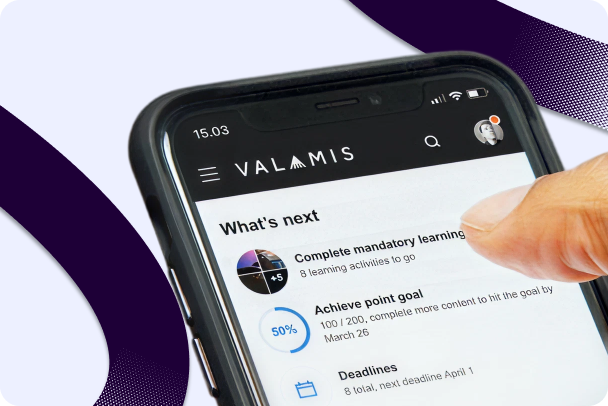
Your brand, not ours
Full white labeling covers your logo, color scheme and app name. For extended enterprise programs that matters: partners, resellers and customers see your brand throughout, not a vendor’s.
More on skills managementCommon questions about Valamis mobile learning
Does Valamis have a native mobile app for employee training?
Yes. Valamis has a native mobile app for iOS and Android. Employees access their full learning path, complete courses, take assessments, and track their progress on a smartphone or tablet. The app was built specifically for learning outside the office environment.
Can employees complete Valamis training without an internet connection?
Yes. Valamis supports offline learning. Employees download content over Wi-Fi and complete it without internet access. Progress and completions sync when the device reconnects. Offline support is built for environments where connectivity is unreliable: manufacturing floors, field locations, transport hubs. It is a core requirement for deskless workforce training, included by design.
Can the Valamis mobile app be branded with our organization’s identity?
Yes. The Valamis mobile app supports custom branding: your logo, your color scheme, your app name. For organizations running extended enterprise programs, external partners and customers see your brand throughout their learning experience. For internal use, the training app becomes part of your company’s digital environment rather than a separate vendor tool.
What content formats work in the Valamis mobile app?
SCORM and xAPI courses, videos, PDFs, assessments, and social learning content. The app supports the same content formats as the desktop platform. Content designed for mobile (short modules, clear layouts, touch-friendly interactions) delivers a better experience on a smaller screen. Valamis runs desktop-built content too.
How does Valamis reach deskless workers who never log into a computer?
Through mobile push notifications. Valamis sends reminders for due training, new content, and certification deadlines directly to employees’ smartphones. For shift workers and field teams, this reaches them on the device they already use. No desktop login required.
See it in action
See how the app works for your frontline teams, and what it looks like with your branding on it.
Book your demo